The AXIS brand kit
Where science and industry cross. One copper ribbon (industry) runs through the name: it is the crossbar of the A, rises as the second stroke of the X over the North Sea blue stroke (science), and runs on over the rest of the word. This page holds the logo files, colours, type, icons and print-ready templates for partners, speakers, media and the organising team.

The wordmark and its versions






Blue for science, red for industry, the crossing for the exchange
The name is Aberdeen eXchange for Industry & Science, and the two ribbons of the X say it. The blue ribbon is science, the copper ribbon is industry, and where they cross is the exchange: Where science and industry cross. Every layout is cut by one ribbon (the seam, the boundary being crossed) and crossed once by the other; the crossing marks the one fact that matters most.
Science and academia.
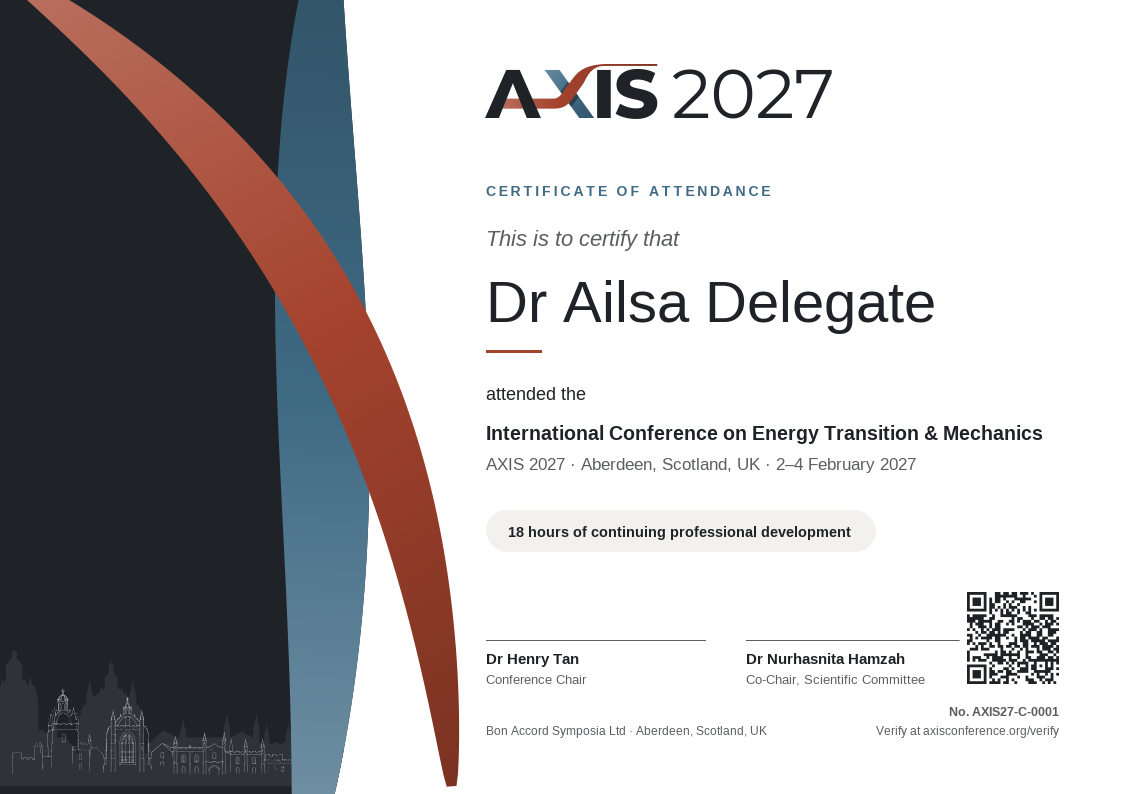
Leads on research-facing material: call for abstracts, track cards, certificates, academic speakers. Deep blue on light grounds, pale haar blue on dark ones.Industry.
Leads on industry-facing material: partner wall, prospectus, industry speakers, the industry side of the Challenge Exchange.The exchange: where science and industry meet.
Shown on anything that is both: the conference itself, keynotes, panels, the Challenge Exchange, session chairs and speakers (each talk is an exchange). One crossing per layout, placed on the key fact.The boundary being crossed: the future of energy.
One ribbon runs edge to edge and is the cut between photo or colour and the white page. It always enters and leaves through the edges of the format.The house: the conference and its team.
Type, the organisers' badges and crew, chairs' screens, conference-wide screens.Recognition and support.
Partner and exhibitor badges, awards.Sector colours
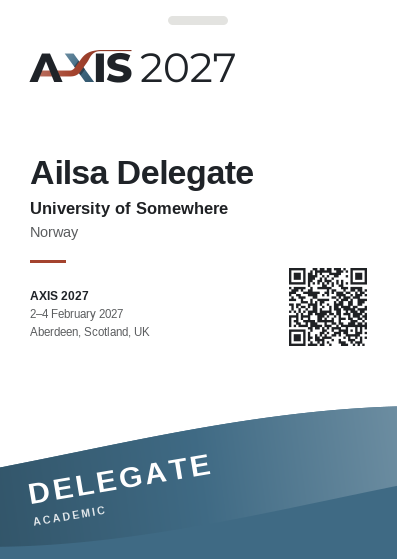
Badges, speaker slides and speaker cards take the colour of the person's sector, so the mix in a room is visible at a glance.
| Sector | Who | Why this colour | Text on it |
|---|---|---|---|
| Academic#3F6A84 | Universities and research institutes | North Sea blue is the science ribbon. | Aa 5.8:1 |
| Industry#A4432E | Operators, suppliers, consultancies, start-ups | Dunnottar red, the deep shade of the copper ribbon. | Aa 6.1:1 |
| Student#DCE5EA | PhD and postgraduate researchers, students | A pale tint of North Sea blue: science, early in a career. | Aa 12.4:1 |
| Public sector#6A6F75 | Government, regulators, agencies, NGOs | Granite grey: the civic stone of Aberdeen, neutral between the two. | Aa 5.1:1 |
Badge roles
The band colour says the sector; the band word and the ribbon across it say the role. Anyone in navy is on the organising team and can help.
| Role | Band | Mark |
|---|---|---|
| Delegate | Sector colour | Plain band |
| Speaker | Sector colour | A second ribbon crosses the band |
| Keynote | Sector colour, deeper | Crossing on a deeper band |
| Session chair | Sector colour | A granite ribbon crosses the band: chairing for the conference |
| Organiser and committee | Granite | Full blue and red crossing |
| Volunteer and crew | Granite | Plain band, ASK ME |
| Partner or exhibitor | Gold | Plain band; word PARTNER or EXHIBITOR |
| Press | White with a granite frame | Plain band |
Session timing cards
- 5 minutesBlue seam low on whiteCalm: time to start concluding.
- 1 minuteRed ribbon up to the middleWarmer and higher: the last slide.
- TimeFull graniteThe house colour: the chair now speaks for the conference.
Do
- Let one ribbon run edge to edge as the seam, and cross it once with the other.
- Put the crossing on the most important fact: the date, the deadline, the person, the role.
- Lead with North Sea blue for research-facing material and copper for industry-facing material. Dunnottar red is the text and button shade of copper.
- Keep the two ribbons apart in lightness: deep blue under a lighter copper on light grounds, pale haar blue over a deeper copper on dark grounds, so the crossing reads in greyscale and one-colour print.
- Use the sector colours only for people (badges, speaker slides), never as decoration.
- Set text on blue, red or granite grey in white, and on ice or gold in granite.
- Use the small-size lockup below 24 px and the small emblem below 32 px.
Don't
- Do not float the whole X as a decoration in a corner: the full X appears only in the logo.
- Do not cross the seam more than once, or add a third ribbon colour except gold for awards.
- Do not put ribbons over body text, names or buttons.
- Do not add glows, glass effects, outlines or drop shadows to the logo.
- Do not recolour the ribbons in the logo, except in the one-colour versions.
- Do not stretch, rotate or re-space the letters of the logo.

How the mark is built
The name is set in Montserrat ExtraBold. One copper ribbon runs through the word: it is the A's crossbar, turns up as the rising stroke of the X, crosses over the blue stroke through a small cut gap, and runs on as a fine line over I and S. Below 50 px tall the line over the word is dropped and the crossbar stays inside the A (the small-size version).
- Clear space on every side equal to the height of the S
- Full logo at least 24 px tall on screen or 10 mm in print. Below that, use the small-size version (down to 12 px or 5 mm) or the symbol
Granite, North Sea blue and copper, from Aberdeen's stone, sea and industry
The two ribbons differ in lightness as well as colour, so the X still reads in greyscale, in one-colour print and for colour-blind readers. Text and buttons use the deeper shades. Select a swatch to copy its value.
Two families, and a serif for quotations
The wordmark, headings, key figures and labels. Free from Google Fonts.
Body text, navigation, forms, tables and captions.
The chairs' welcome and names on certificates and badges.
Line icons, the seam and the skyline
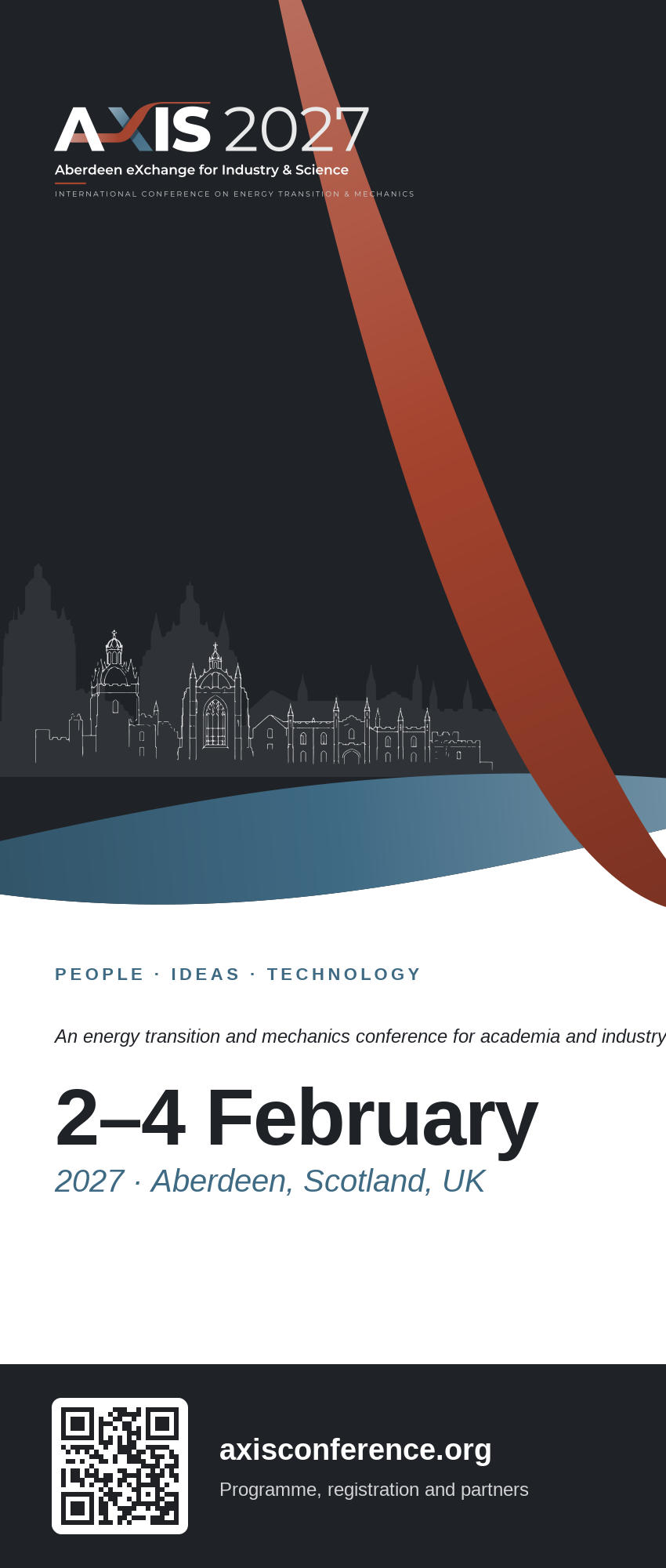
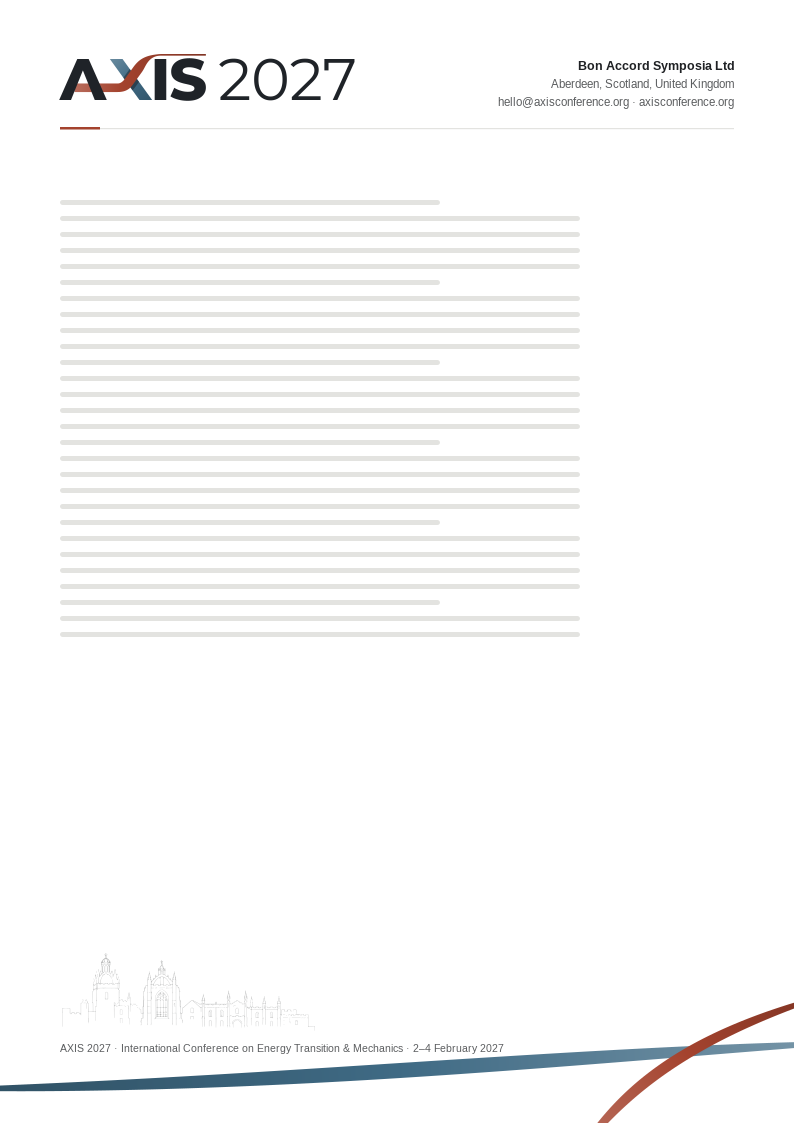
Each icon sits in a thin ring with the two ribbons at its foot. The seam (one ribbon edge to edge, crossed once) cuts headers and cards; the King's College skyline stands on it, at low strength, behind footers and print.








Print-ready templates
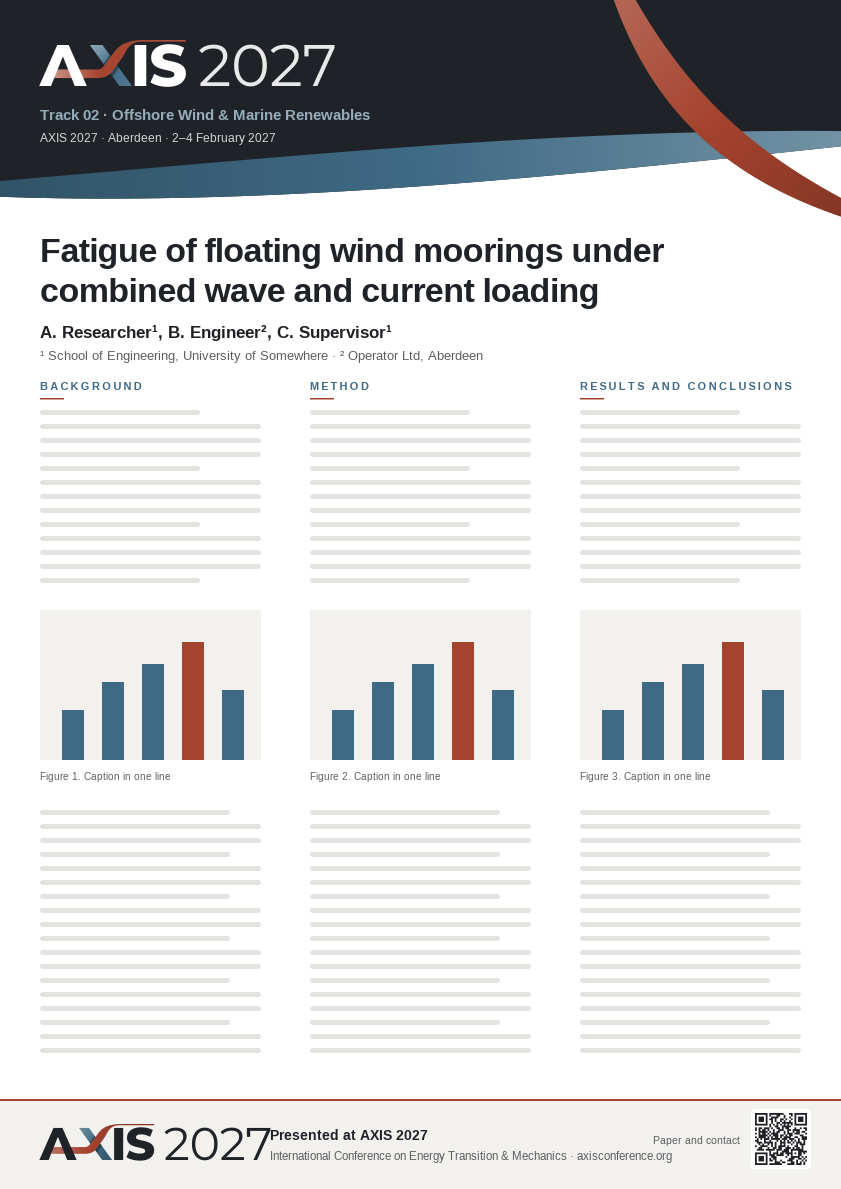
Every template is generated from the same files as the logo. The SVG versions open in Illustrator, Affinity, Inkscape and PowerPoint.

Using the logo
- Use the logo files from this page
- Use the dark versions on granite and on photographs
- Write the name with the year: AXIS 2027
- Keep red buttons for the main action on a page
- Recolour the ribbons or swap their order
- Replace the ribbon X with a typed X
- Rotate, stretch, outline or add shadows to the logo
- Place the logo on busy, low-contrast images